
Packaging & Purchase
Choose the available packaging specification, enter the required quantity and continue by RFQ or online checkout. Every small pack is a regular paid SKU.
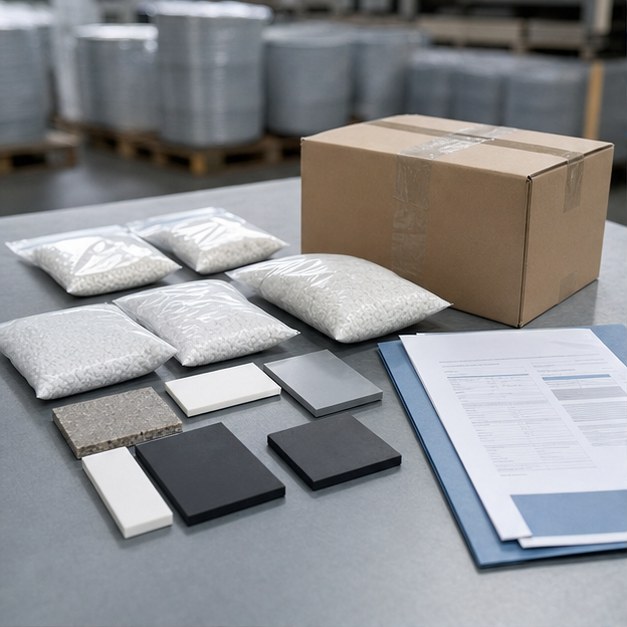
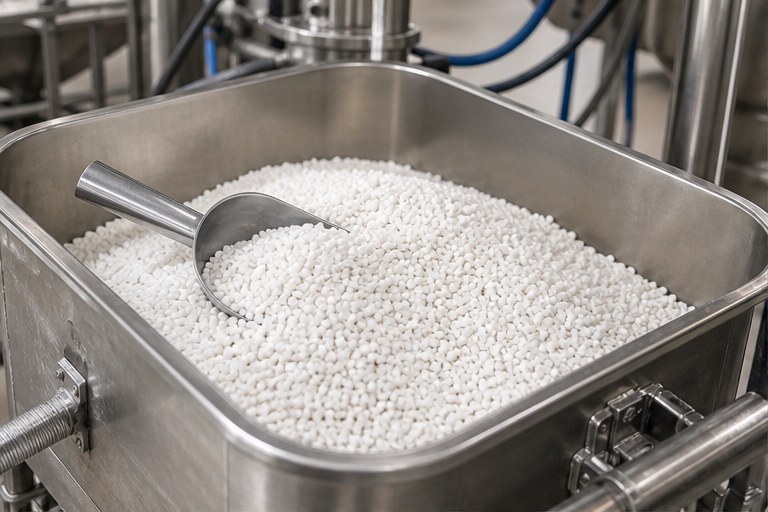
Find the relevant grade
Search by product function, polymer, application, product code or CAS number, then review the technical information for the grade.

Choose a managed pack specification
Every packaging option shown on the product page comes from the managed product variant, including pack form and net content.
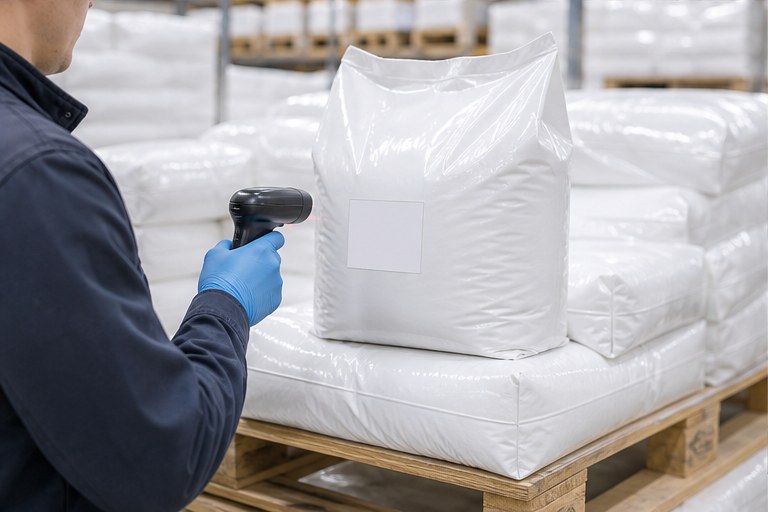
Enter a whole pack count
Choose the number of packs required. The system multiplies that count by the backend net weight of the selected SKU before submitting the order or RFQ.

Request a quote or buy online
Use RFQ when commercial terms need confirmation, or add the same selected SKU to the online buying flow when pricing and checkout are available.
Choose a Purchasable Pack
Select the product and packaging, enter the required weight, then request a quote or continue to online buying.
包装与购买
选择可用包装规格,填写所需数量后,可立即询价或进入在线结账。每个小包装都是正常付费 SKU。
查找合适牌号
可按产品功能、胶种、应用、产品代码或 CAS 号查找,并查看该牌号的技术资料。
选择后台维护的包装规格
产品页显示的每个包装选项都来自后台维护的商品变体,包括包装形式和净含量。
填写整包装件数
填写所需包装件数。提交订单或询价时,系统将件数乘以后台维护的该 SKU 单包装净重。
立即询价或在线购买
需要确认商务条件时可立即询价;价格和结账可用时,也可将同一个已选 SKU 加入在线购买流程。